How to Collect Payments Faster Without Chasing Customers Manual payment follow-up consumes hours each week and strains client relationships. Automated reminders eliminate the chase by delivering scheduled, tone-calibrated messages across WhatsApp, Email, and SMS—keeping cash flow steady without awkward conversations.
Key Takeaways Automated payment reminders across WhatsApp, Email, and SMS eliminate manual follow-up by delivering scheduled messages at strategic intervals from 3-5 days pre-due through final overdue notices A structured timing sequence—pre-due reminder, on-due notice, 3-day overdue, 7-day, 14-day, and final 21-day escalation—balances persistence with relationship preservation Multi-channel orchestration increases payment conversion by meeting customers where they engage: Email for routine notices, SMS for day-of alerts, WhatsApp for urgent overdue follow-up Embedded payment links and QR codes in reminders let customers settle invoices instantly via UPI, card, or net banking without additional steps Tracking open rates, payment conversion rates, and time-to-payment by channel reveals which reminders drive results and which need adjustment Why Manual Payment Chasing Hurts Cash Flow and Client Relationships Automated reminders eliminate manual follow-up by sending scheduled messages across WhatsApp, Email, and SMS — freeing you from the time drain and relationship friction of chasing overdue invoices.
The Hidden Costs of Manual Follow-Up Manual payment chasing consumes hours each week that could drive growth. Small business owners spend valuable time on repetitive follow-up calls, emails, and message tracking instead of acquiring new customers or improving service delivery. AR automation replaces these manual activities with workflows that run on schedule, reclaiming owner time for strategic work.
How Delayed Payments Compound Cash Flow Problems Late payments don't just delay cash — they create cascading operational bottlenecks. Research shows small businesses get paid on average 9.1 days later than agreed terms, forcing owners to delay supplier payments, postpone equipment purchases, or miss growth opportunities while waiting for receivables to clear.
Why Automation Preserves Relationships While Accelerating Collections Automated reminders remove the awkward money conversations that strain client relationships. Platforms like modern billing software and Swipe send consistent, non-intrusive payment prompts that escalate automatically when accounts become overdue, maintaining professionalism without personal confrontation. For businesses needing thorough accounting alongside payment automation, explore Swipe's small business accounting software .
Once you understand the operational cost of manual chasing, the next step is configuring a system that handles follow-up automatically while giving customers frictionless ways to pay.
How to Set Up Automated Payment Reminders Across Multiple Channels Automated payment reminders eliminate manual follow-up while keeping customers informed across their preferred communication channels. The setup process involves selecting a platform that supports multi-channel delivery, configuring timing triggers, and embedding payment links so customers can settle invoices immediately. Here's how to build a reminder system that works across WhatsApp, Email, and SMS:
Choosing Your Automation Platform and Enabling Multi-Channel Reminders Select an invoicing platform with multi-channel support. Look for tools that send reminders via WhatsApp, Email, and SMS from a single dashboard. Swipe supports payment reminders across all three channels , letting you coordinate outreach without switching between separate messaging tools.Enable automated reminders in your platform settings. Navigate to Settings > Reminders (or equivalent) and toggle the automation option. Zoho Billing's reminder configuration shows this typically lives under a dedicated Reminders menu where you activate the feature for all invoices or specific customer segments.Choose which channels to activate. Most platforms let you enable Email by default, then opt into SMS and WhatsApp. Cashfree supports automated reminders over SMS, email, and WhatsApp so customers receive notifications through their preferred method without you managing separate campaigns.Configuring Reminder Triggers and Timing Intervals Set your first reminder trigger. A soft reminder 7 days after the invoice is sent (or 7 days before the due date) keeps the invoice visible without feeling aggressive. Industry best practice suggests a day-7 soft reminder maintains visibility while treating payment as a normal process.Add a second reminder at the due date or shortly after. Day 14 (or 1 to 3 days overdue) works as a follow-up for customers who deprioritized the first message. This timing catches invoices before they become significantly overdue.Schedule a final automated reminder before manual escalation. Day 21 serves as the last automated touchpoint. A third reminder 21 days after invoice creation signals urgency before you move to direct outreach, aligning with the three-email sequence recommended for small-business collections.Embedding Payment Links and QR Codes in Automated Messages Insert payment links into your reminder templates. Most platforms auto-generate a unique payment URL for each invoice. Swipe lets you send payment links and QR codes through WhatsApp, SMS, and Email , so customers can pay directly from the reminder message with one tap.Add QR codes for mobile-friendly payment. QR codes embedded in Email or WhatsApp reminders let customers scan and pay instantly without typing URLs. This reduces friction, especially for mobile users who receive the reminder on their phone.For businesses needing custom automation workflows beyond standard reminder schedules, Swipe's API integration enables developers to build tailored reminder logic that triggers based on specific business rules or customer segments.
Platform setup determines which channels you can use; timing determines when customers see your reminders and whether they act on them.
Timing Your Payment Reminder Sequence for Maximum Effectiveness A structured payment reminder sequence balances persistence with relationship preservation. The intervals below reflect industry best practices for India's business environment.
Pre-Due and Day-of-Due Reminder Timing Send a pre-due reminder 3 to 5 days before the invoice deadline. This proactive approach prevents issues rather than reacting to them, accommodating India-specific factors like bank holidays and internal approval cycles. On the due date itself, issue a same-day reminder with clear instructions for payment (UPI, NEFT/RTGS, or payment gateway). Swipe invoicing software tracks due dates and sends automatic reminders at these intervals, reducing manual chasing.
Overdue Reminder Escalation Sequence After the due date, escalate reminders systematically. Send the first overdue notice 3 days past due, maintaining a polite tone. If unpaid, issue a second reminder at 7 to 10 days overdue, referencing the outstanding amount and original due date. The final notice should arrive 14 to 21 days overdue, signaling that formal collection action may follow. This cadence keeps cash flow moving while protecting customer relationships.
Adjusting Intervals Based on Payment Terms and Client Relationships Customize timing for longer payment terms and high-value relationships. For Net 60 or Net 90 terms, add a mid-term checkpoint reminder (e.g., day 30 for Net 60). High-value or established clients may warrant longer intervals between overdue reminders (5 days instead of 3, 14 days instead of 7 to 10) to preserve goodwill. New clients with shorter payment histories should follow the standard sequence more closely to establish payment discipline early.
Timing dictates when reminders go out; tone and message structure determine whether customers respond or ignore them.
Writing Payment Reminders That Get Responses (Tone and Message Guidelines) The most effective reminders follow a clear pattern: start friendly before the due date, add specificity on the due date, increase firmness at 7 and 14 days overdue, switch channels at 21 days, and escalate contacts at 30 days. Email works for the first two touches; SMS and phone become key after that.
Friendly Pre-Due and Day-of-Due Message Templates Pre-due (7 days before): "Hi [Name], just a friendly reminder that Invoice #[Number] for [Amount] is due on [Date]. Let me know if you have questions!" Due date: "Hi [Name], Invoice #[Number] for [Amount] is due today. Payment link: [Link]. Thanks for your prompt attention."
Firm but Professional Overdue Message Escalation First overdue (7 days): "Hi [Name], Invoice #[Number] for [Amount] is now 7 days past due. Please submit payment by [Date] to avoid late fees." Final notice (30 days): "Invoice #[Number] is 30 days overdue. Payment is required within 48 hours to avoid collection proceedings. Contact us immediately if there's an issue."
Systematizing Tone as an Automation Input Automated payment reminders sent at regular intervals can use tone-templated messages for each escalation stage. Swipe can send payment reminders via WhatsApp, Email, and SMS, enabling businesses to template tone progression without manual judgment. Clear payment instructions also reduce invoice errors, notifications sent before and after the due date reduce omission risk.
Anti-pattern: Using the same urgent tone for all reminders burns client goodwill and desensitizes recipients to urgency cues.
With tone and message structure in place, the next layer is channel orchestration, mapping WhatsApp, Email, and SMS to specific reminder stages for maximum visibility.
Using WhatsApp, Email, and SMS Together for Payment Collection Multi-channel payment collection works best when each channel maps to a specific stage of the reminder sequence. Email suits pre-due notices, customers expect low-urgency reminders in their inbox three to five days before payment is due. SMS fits day-of reminders because open rates peak above 90%, ensuring customers see the notice when action is most likely. WhatsApp handles final overdue reminders; its high engagement rates make it effective for urgent follow-up seven to ten days past due without feeling intrusive.
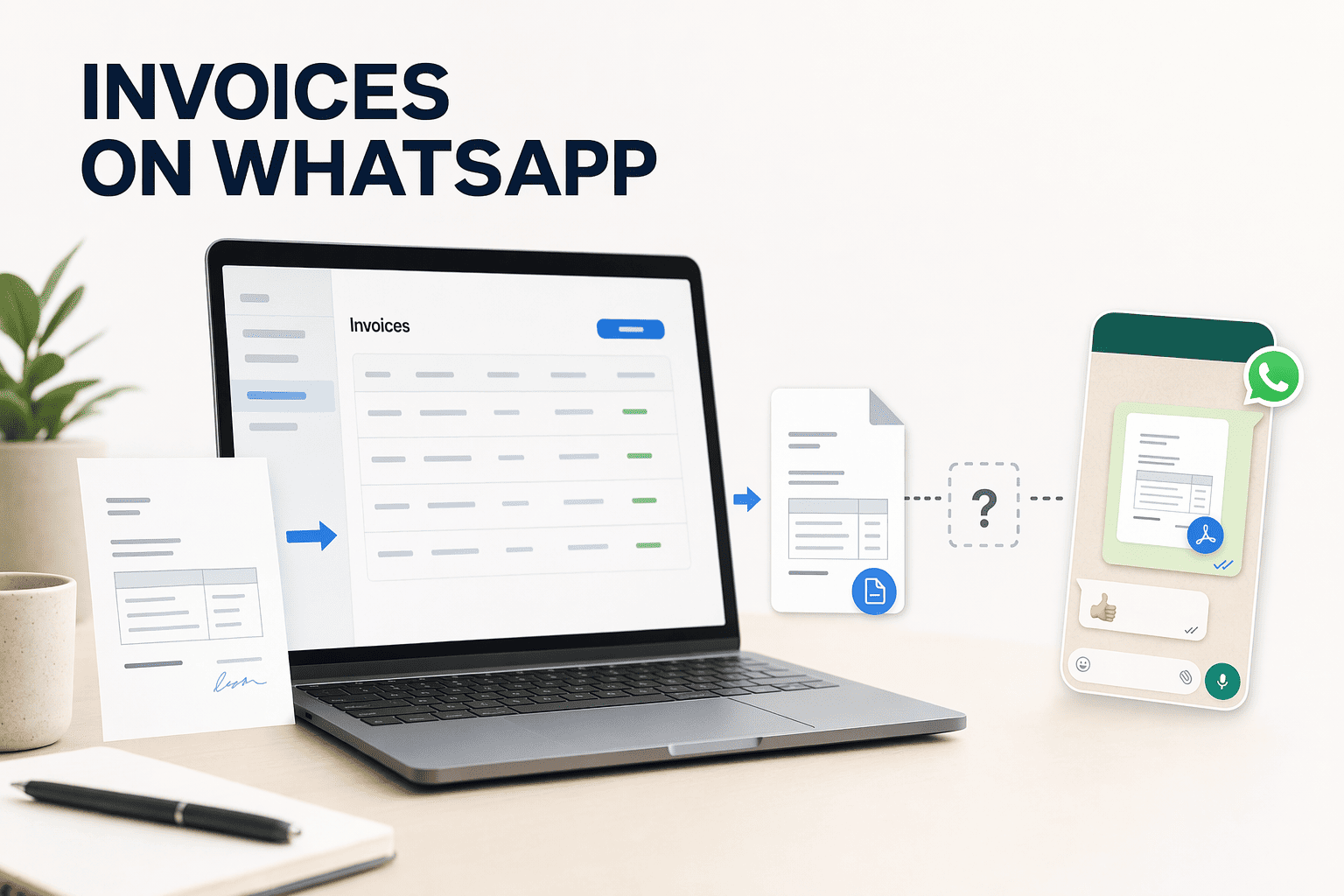
Channel Selection by Reminder Stage Automated invoicing software can generate invoices on a schedule and send reminders automatically. For businesses with recurring clients, set Email reminders three days pre-due, SMS on the due date, and WhatsApp seven days overdue. Swipe supports all three channels for payment reminders, letting you coordinate the sequence from one platform.
Coordinating Multi-Channel Sequences Without Message Fatigue Space reminders 24 to 48 hours apart to avoid overwhelming customers. Send one Email reminder, one SMS on the due date, and reserve WhatsApp for overdue notices only. Automated payment reminders prompt clients before and after a due date without manual follow-up. Swipe can send invoices and reminders via WhatsApp, Email, and SMS, reducing the risk of message fatigue while maintaining consistent follow-up.
Leveraging WhatsApp for High-Urgency Final Notices WhatsApp's high read rates make it the strongest channel for final overdue reminders. Keep messages brief, include a direct payment link, and reference the original due date. Including clear payment instructions helps avoid invoice errors that slow collection, as e-invoice rejection data shows. Sign up for free to automate WhatsApp, Email, and SMS reminders in one coordinated sequence.
Multi-channel automation runs continuously, but without measurement you can't tell which reminders are converting and which are underperforming.
Measuring Reminder Performance and Adjusting Your Strategy Key Metrics to Track for Reminder Effectiveness Three metrics define whether your automated reminders are working: open rates , payment conversion rates , and time-to-payment by channel . Open rates show whether customers are seeing your reminders at all, a 7-day pre-due email with a 15% open rate tells you recipients aren't checking that inbox regularly. Payment conversion rate measures what percentage of customers who received a reminder actually paid, an automated 3-touch sequence recovers 65-75% of overdue balances when timed correctly. Time-to-payment reveals which channels move customers fastest: if WhatsApp reminders collect payments in 4 days on average while email takes 12, you know where to prioritize your next send.
Using Dashboard Analytics to Identify Underperforming Reminders Platforms like Swipe that track payments and provide receivables visibility let you spot which reminder stages or channels are not converting. Filter your dashboard by reminder type: if your day-of SMS reminders show 40% open but only 8% payment conversion, customers are reading the message but not acting, the call-to-action or payment link may be unclear. If your 21-day-overdue email has Adjusting Timing, Tone, or Channel Mix Based on Data
Once you know which reminders underperform, apply these decision rules: if email pre-due reminders convert below 10%, shorten the interval (send 3 days before due instead of 7) or add an SMS the day-of to catch customers who ignore email. If WhatsApp final notices are opened but ignored, escalate tone in the next touch or shift to a phone follow-up, conversational voice AI can handle objections and capture promise-to-pay dates when text-based reminders fail. When a specific channel consistently shows Conclusion
Manual follow-up gives individual control over each message but scales poorly and creates cash flow gaps when owners are unavailable, automated reminders trade that manual flexibility for consistent, timely follow-up that runs without human intervention. Single-channel reminders (Email-only or SMS-only) are simpler to configure but risk low visibility when customers ignore one channel, multi-channel orchestration requires upfront setup but delivers higher payment conversion by meeting customers where they engage.
As UPI AutoPay adoption grows and conversational commerce platforms mature, payment collection will shift further toward embedded, real-time settlement, businesses that automate reminder workflows now build the infrastructure to integrate instant payment rails as they become standard across India's digital economy.
Set up your first automated payment reminder sequence in Swipe today, connect WhatsApp, Email, and SMS channels, configure the 3-5 day pre-due through final overdue timing intervals, and embed payment links so customers can pay instantly from any reminder.
Frequently Asked Questions How soon before the due date should I send the first payment reminder? Send the first reminder 3 to 5 days before the payment due date. This interval gives customers advance notice without being too early to act on, balancing visibility with urgency and allowing time for payment processing before the deadline.
What is the best channel for final overdue payment reminders — WhatsApp, Email, or SMS? WhatsApp is the strongest channel for final overdue reminders due to high read rates. Keep messages brief, include a direct payment link, and reference the original due date. Reserve WhatsApp for high-urgency situations to avoid appearing intrusive.
How do I include payment links in automated reminders so customers can pay instantly? Modern invoicing platforms let you embed payment links or QR codes directly in reminder templates. Customers click the link or scan the code to pay immediately via UPI, card, or net banking, eliminating friction and accelerating settlement.
How many overdue reminders should I send before considering the payment uncollectible? Send 3 to 4 overdue reminders spaced over 14 to 21 days: first overdue at 3 days past due, second at 7 to 10 days, third at 14 days, and final notice at 21 days. After that sequence, escalate to collections or legal follow-up.
Can I automate payment reminders without losing the personal touch in client relationships? Yes, automated reminders can be templated with personalized merge fields like client name, invoice number, and payment terms. Tone progression from friendly to firm maintains professionalism while eliminating manual effort, preserving relationships without the awkward money conversations.
What metrics should I track to know if my automated reminders are working? Track three key metrics: open rates per channel, payment conversion rates per reminder stage, and time-to-payment after each reminder. These reveal which reminders customers see, which drive payments, and where your sequence needs adjustment to improve collections.
Do I need to send payment reminders via all three channels (WhatsApp, Email, SMS) or can I pick just one? Using multiple channels increases the chance customers see the reminder. Match channel mix to customer preferences and urgency: Email for routine pre-due notices, SMS for day-of alerts, WhatsApp for urgent overdue follow-up. Single-channel reminders risk low visibility.
Sources Get paid faster: Strategies for collecting money from customers | GoCardless - gocardless.comHow AR Automation Improves Collections for Businesses - MTFX - www.mtfxgroup.comBest billing and invoicing software of 2025 - www.techradar.com (2025)Automated Invoice Reminders for Small Business (Best Practices) - ti3.coSetting Up Payment Reminder System in Accounts Receivables (AR) / Order to Cash (O2C) Process in India - www.myndsolution.com (2026)Automated Payment Reminders: a framework for SMEs - www.garfield.law (2026)Invoice Reminder Best Practices & Templates - Yonovo - www.yonovo.com (2026)Payment reminders for your collection strategy - www.gestioncreditexpert.com (2025)WhatsApp invoicing / expenses for small businesses - Reddit - www.reddit.comHow do small businesses automate invoicing and get paid faster? - Digital Trends - www.digitaltrends.com (2026)Fix Small Business Accounts Receivable Automation in 2026 | US Tech Automations - ustechautomations.com (2026)Blog | Automated Payment Reminder Software: 2026 Buyer's Guide - www.awaaz.ai (2026)Non-compliance with e-invoicing: Consequences and Common Mistakes to Avoid - einvoice6.gst.gov.inValidation rules for e-invoicing that you must take care to avoid errors - einvoice6.gst.gov.in.png)




.png)
.png)
.png)
.png)
